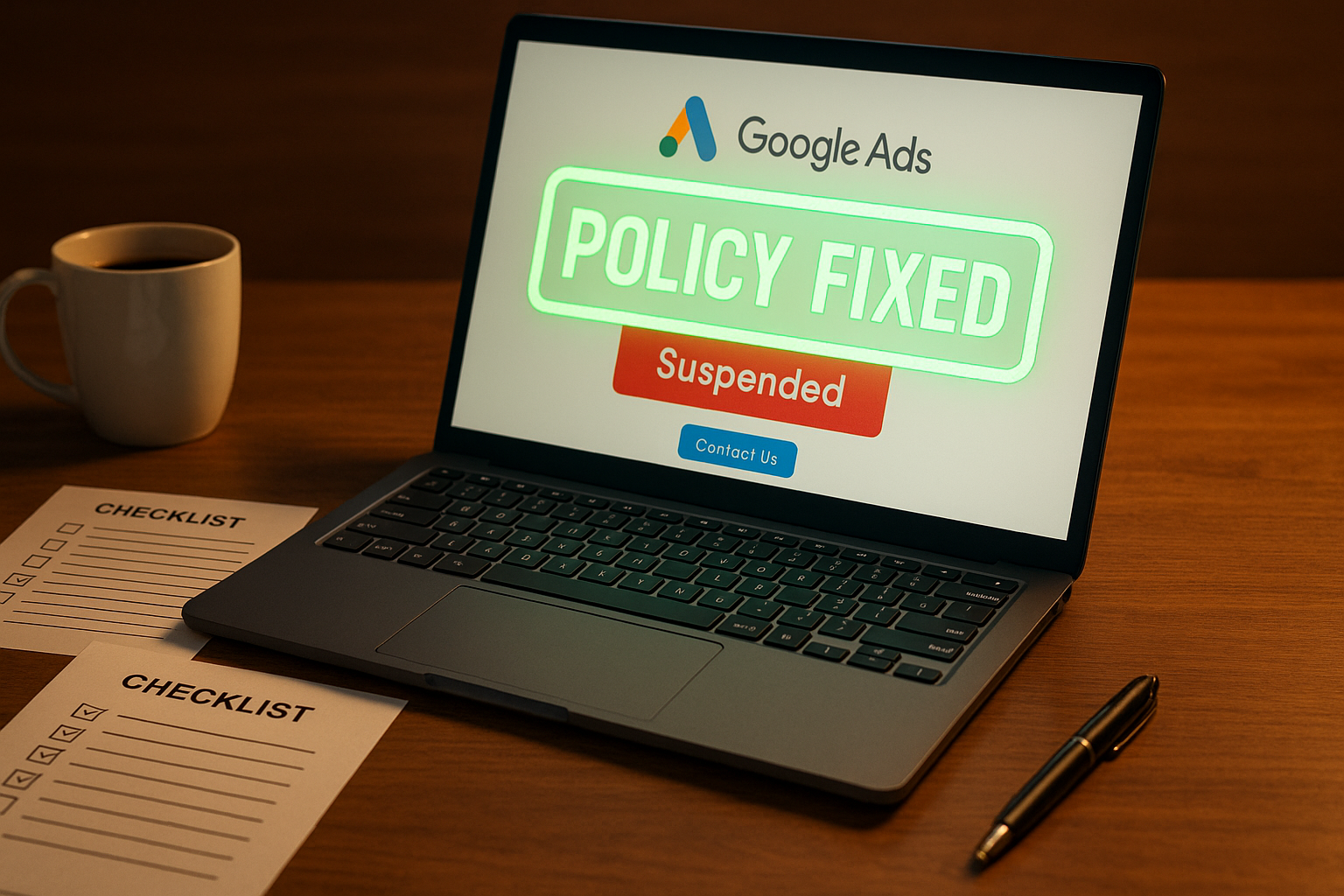
Google Ads appeals have become increasingly complex, requiring advertisers to navigate detailed processes while managing suspended advertising campaigns.
Google’s advertising policies exist to protect users, advertisers, and publishers from bad actors while ensuring only high-quality ads are served across their platforms. When you face a Google Ads suspension, the appeal process becomes critical for maintaining your marketing strategy and business operations.
This guide explains how to submit effective form appeals, understand the review process, and restore your Google Ads account functionality after getting suspended.
Key Takeaways
- Fix violations completely before appealing – Google evaluates actual compliance, not promises
- Submit comprehensive documentation initially – Complete evidence packages process faster
- Follow appeal limits strictly – Excessive submissions trigger processing penalties
- Implement prevention systems – Proactive compliance prevents future suspensions
Understanding Google Ads Appeal Types
Google operates two distinct appeal pathways designed to address different violation severities and account impacts.
Account-Level Suspension Appeals
Account suspension appeals address serious policy violations that result in your entire Google Ads account being suspended. Google suspends accounts immediately for egregious violations without prior warning, stopping all advertising campaigns.
Common suspension reasons:
- Unacceptable Business Practices
- Circumventing Systems
- Suspicious Payments
- Counterfeit Goods
- Malicious Software
Google states that accounts are only reinstated in compelling circumstances, such as in the case of a mistake, emphasizing the importance of thorough preparation before submitting your appeal form.
Individual Ad Disapproval Appeals
Individual ad appeals target specific advertisements that violate Google Ads policies without affecting your entire Google Ads account. These allow you to continue running other compliant advertising campaigns while addressing specific issues.
Two appeal options:
- “Made changes to comply with policy” – Reviewed by automated systems (faster)
- “Dispute decision” – Reviewed by human reviewers (slower but thorough)
Accessing Appeal Forms and Status
Accessing the correct appeal form depends on your specific violation type and account status.
How to Access Your Google Ads Suspension Notification
For suspended Google Ads accounts:
- Log into your Google Ads account
- Locate the suspension notification banner at the top of your screen
- Click the “Contact Us” link within the notification
- Complete the appeal form on the right side of your screen
This “Contact Us” link only appears for suspended accounts and provides the official channel for communicating with Google Support regarding your suspension.
Individual Ad Appeal Methods
Three access methods for ad appeals:
- Direct appeal: Click “Appeal” link in the status column next to disapproved ads
- Policy Manager: Navigate to Tools > Troubleshooting > Policy Manager for centralized management
- Bulk processing: Select multiple disapproved ads and choose “Appeal” from batch actions
The Policy Manager tracks appeal status for all submissions and allows monitoring of the review process across your entire account.
How to Submit Your Appeal
Successful Google Ads appeals require systematic preparation and thorough documentation to demonstrate genuine policy compliance.
Step 1: Pre-Submission Requirements
⚠️ Important: Certain selected advertisers must complete advertiser verification successfully before they can appeal their account suspension. If Google cannot verify identity after 3 attempts, appeal rights are revoked.
Critical steps before submitting:
- Fix all violations completely – Make actual changes to your website, landing pages, and ad copy
- Carefully read policy documentation – Understand specific requirements for your violation type
- Document all changes – Take timestamped screenshots of corrective actions
- Address root causes – Don’t just fix surface-level issues
Google’s review process evaluates whether you’ve genuinely resolved underlying issues, not just acknowledged them.
When to consider professional help:
Self-recovery appropriate for:
- Single policy violations with clear corrective actions
- Established accounts with good compliance history
- Violations involving straightforward technical fixes
- Clear documentation of what needs to be addressed
Professional assistance recommended for:
- Multiple complex policy violations across different categories
- New accounts requiring extensive verification
- High-risk industries (health, finance, legal) with specialized requirements
- Previous failed appeals or unclear violation explanations
- Business-critical accounts where mistakes could result in permanent bans
Step 2: Complete Your Appeal Form
Essential form elements:
- Clear subject line – Include account ID and violation type
- Acknowledge violations – Don’t dispute Google’s initial assessment
- Detail specific fixes – Provide concrete examples of corrective actions
- Include supporting evidence – Attach comprehensive documentation
Example of effective language: Instead of “we fixed our landing pages,” explain: “we removed all unsubstantiated health claims from product descriptions and added FDA disclaimers to all supplement pages.”
Want step-by-step guidance writing your appeal? Watch this video:
Step 3: Submit and Monitor
Key guidelines:
- Submit one appeal at a time for timely response
- Use professional, factual language
- Avoid criticism of Google’s policies
- Review thoroughly before you click submit
- Provide complete documentation initially
⚠️ Warning: Filing too many appeals for the same account suspension may result in processing delays or complete cessation of review.
What Happens During Review Process
Understanding Google’s review process helps set realistic expectations and avoid mistakes that can compromise your appeal’s success.
Processing Stages
- Initial Processing
- Automated receipt acknowledgment
- Documentation completeness verification
- Case routing based on violation complexity
- Review Assignment
- Simple cases: Automated system review
- Complex cases: Human policy specialist assignment
- Cross-referencing with account compliance history
- Decision Communication
- Email notification to account owner
Account Functionality During Appeals
While your appeal undergoes review, suspended accounts maintain limited functionality:
Available functions:
- View historical campaign data and reports
- Download performance reports and tax documents
- Update billing information and payment methods
- Submit additional appeals or required documentation
Restricted functions:
- Cannot run campaigns
- Cannot create or modify ads
- Cannot access advanced features
- Cannot spend advertising budget
Current Appeal Processing Timelines
Google doesn’t provide guaranteed processing timeframes. Processing varies based on several factors without specific timeline commitments.
Processing Factors
Timeline influences:
- Documentation quality – Complete submissions process faster
- Violation complexity – Multiple policy violations extend processing
- Account type – New accounts face additional verification requirements
- Appeal frequency – Excessive submissions trigger delays
Specific timeline requirements:
- Payment verification: 30 days to complete for billing suspensions
- Appeal misuse penalty: 7-day processing suspension for excessive submissions
- Individual ad appeals: 24-hour waiting periods between attempts
Managing Business Operations During Google Ads Suspension
During extended processing:
- Avoid excessive resubmissions or support contact
- Consider alternative advertising platforms
- Use suspension period for comprehensive compliance audits
- Train team members on current Google Ads policies
Appeal Outcomes
Google Ads appeals generate several possible outcomes, each requiring different follow-up actions.
Possible Appeal Results
Account-level outcomes:
- Successful reinstatement – Full account access restored
- Appeal denied – Google says you are still violating their policies
- Additional information requested – Specific documentation or verification required
- Partial success – Some violations addressed, others remain
Individual ad outcomes:
- Partially successful – Policy removed from some ads but not others
- Error: Try again – Processing issue, resubmit required
- Failed – Ads correctly labeled, review policies and fix issues
- Duplicate – Appeal submitted while previous appeal still processing
- Exceeded retry-limit – Maximum appeals reached, contact support required
After Successful Reinstatement
When Google approves your appeal:
- Account access restores immediately
- All Google Ads features become available
- You can resume advertising campaigns
Post-reinstatement actions:
- Review all campaigns before reactivating
- Implement enhanced compliance monitoring
- Document successful practices for future reference
- Train team on policy adherence
Appeal Denials
If Google denies your appeal, the notification typically includes specific explanations about insufficient corrective actions.
Options after denial:
- Address specific concerns Google identifies
- Gather additional supporting documentation
- Implement more comprehensive corrective measures
- Consider professional assistance for complex cases
Partial Success
Some appeals result in partial success where Google addresses certain violations while maintaining restrictions on others.
Required actions:
- Review Google’s specific feedback
- Identify areas needing additional attention
- Implement targeted improvements
- Maintain documentation of ongoing efforts
Required Documentation for Success
Professional documentation significantly improves your appeal success rates by providing clear evidence of policy compliance.
Business Verification Documents
Essential documentation:
- Government-issued business registration certificates
- Physical address verification (utility bills, lease agreements)
- Professional liability insurance (industry-specific)
- Bank account verification matching business name
Policy Compliance Evidence
Required proof:
- Timestamped before/after screenshots of corrective actions
- Updated policy documents (privacy, terms of service, refund policies)
- Technical compliance reports (SSL certificates, mobile optimization)
- Content audit results showing policy adherence
Violation-Specific Documentation
Malicious software violations:
- Security audit reports
- Malware removal confirmations
- Ongoing monitoring system implementations
Restricted content violations:
- Detailed content audits
- Age verification systems
- Local laws compliance documentation
Business practice violations:
- Updated business information displays
- Clear pricing disclosures
- Authorization certificates for brand relationships
Common Google Ads Appeal Mistakes to Avoid
Understanding frequent appeal mistakes helps advertisers avoid delays and denials.
Critical Errors
Submission mistakes:
- Appealing before implementing necessary changes
- Submitting too many appeals within 24 hours
- Creating new accounts while appeals are pending (violates circumventing systems policies)
- Using generic template appeals that don’t address the specific Google Ads suspension reasons
Documentation errors:
- Incomplete evidence packages
- Missing timestamped screenshots
- Vague descriptions of corrective actions
- Emotional or argumentative communication
Process misunderstandings:
- Using wrong appeal pathway for violation type
- Contacting support through multiple unofficial channels
- Expecting immediate processing without realistic timelines
Re-Appeal Process and Limitations
Google enforces specific limitations on re-appeal submissions while providing reasonable opportunities for legitimate compliance efforts.
Individual Ad Re-Appeals
Re-appeal limitations:
- Maximum 3 appeals per advertisement
- 24-hour waiting periods between submissions
- Must include new information or evidence each time
- After 3 failed attempts: Contact customer support required to proceed further
Account-Level Re-Appeals
Guidelines:
- No official limits but discouraged without substantial new evidence
- Significant business changes can justify re-appeals
- Consider waiting periods for comprehensive compliance improvements
- Document changes thoroughly to differentiate from previous submissions
Prevention Strategies
Preventing future Google Ads suspensions requires systematic compliance monitoring and proactive policy adherence.
Ongoing Compliance Management
Monthly actions:
- Review landing pages and ad copy against current policies
- Monitor Google Ads policy update announcements
- Conduct technical compliance audits
- Train team members on proper procedures
Technical Prevention Measures
Essential maintenance:
- Maintain SSL certificates and mobile optimization
- Implement security monitoring for malicious software
- Verify all landing pages remain functional and compliant
- Regular website performance and accessibility checks
- Monitor for copyrighted content usage and obtain proper licensing
- Ensure compliance with local laws for your target markets
Common violation triggers to prevent:
- Broken or redirected landing pages
- Slow-loading websites (>3 seconds)
- Missing privacy policies or terms of service
- Pop-ups that obstruct main content
- Unsubstantiated claims (health or financial)
Documentation systems:
- Track all policy-related changes with timestamps
- Maintain updated business verification documents
- Create compliance checklists for campaign launches
- Develop staff training materials on current policies
Frequently Asked Questions
How long do Google Ads appeals take to process?
Google doesn’t provide guaranteed timeframes. Processing varies from days to weeks depending on violation complexity, documentation quality, and account type. Payment verification must be completed within 30 days for billing suspensions.
Can I create a new Google Ads account while my appeal is pending?
No. Creating new accounts while suspended violates circumventing systems policies and typically results in permanent bans across all accounts.
How many times can I appeal the same violation?
Individual ads allow maximum 3 appeals with 24-hour waiting periods between attempts. Account-level appeals have no official limits but excessive submissions may not be processed.
What happens to my campaigns during the appeal process?
Suspended accounts cannot run advertising campaigns but maintain access to view data, download reports, update billing, and submit appeals.
Can Google expedite my appeal?
No. Google customer service cannot expedite appeals, and the review process follows standard timelines without priority processing options.
What if my Google Ads appeal is denied?
Review Google’s specific feedback, address identified concerns, gather additional documentation, and consider re-appealing with substantial new evidence or seek professional assistance.
Need Expert Help? StubGroup has extensive experience recovering suspended Google Ads accounts through systematic documentation and compliance strategies. Contact us for professional assistance with complex appeals and ongoing compliance management.