
Shopify Collective is a newer app in Shopify that makes it easy to add another brand’s products to your store without holding inventory. You pick a few pieces, the supplier fulfills them, and your catalog grows overnight. For merchants who mostly sell their own goods but want to round out a collection with a handful of Collective items, that’s an appealing way to test a new category without buying stock.
However, it also creates a compliance problem that a lot of merchants don’t see coming until Google Merchant Center flags it.
Where the mismatch starts
By default, Shopify Collective pulls the supplier’s shipping rate and free-shipping threshold into checkout for the items it fulfills. Your own store might promise free shipping over $75. The supplier’s rate might kick in at $125, or charge $8.50 flat where your standard rate is $7.50. Nothing in your published shipping policy says any of that, because you wrote the policy before you added the Collective items.
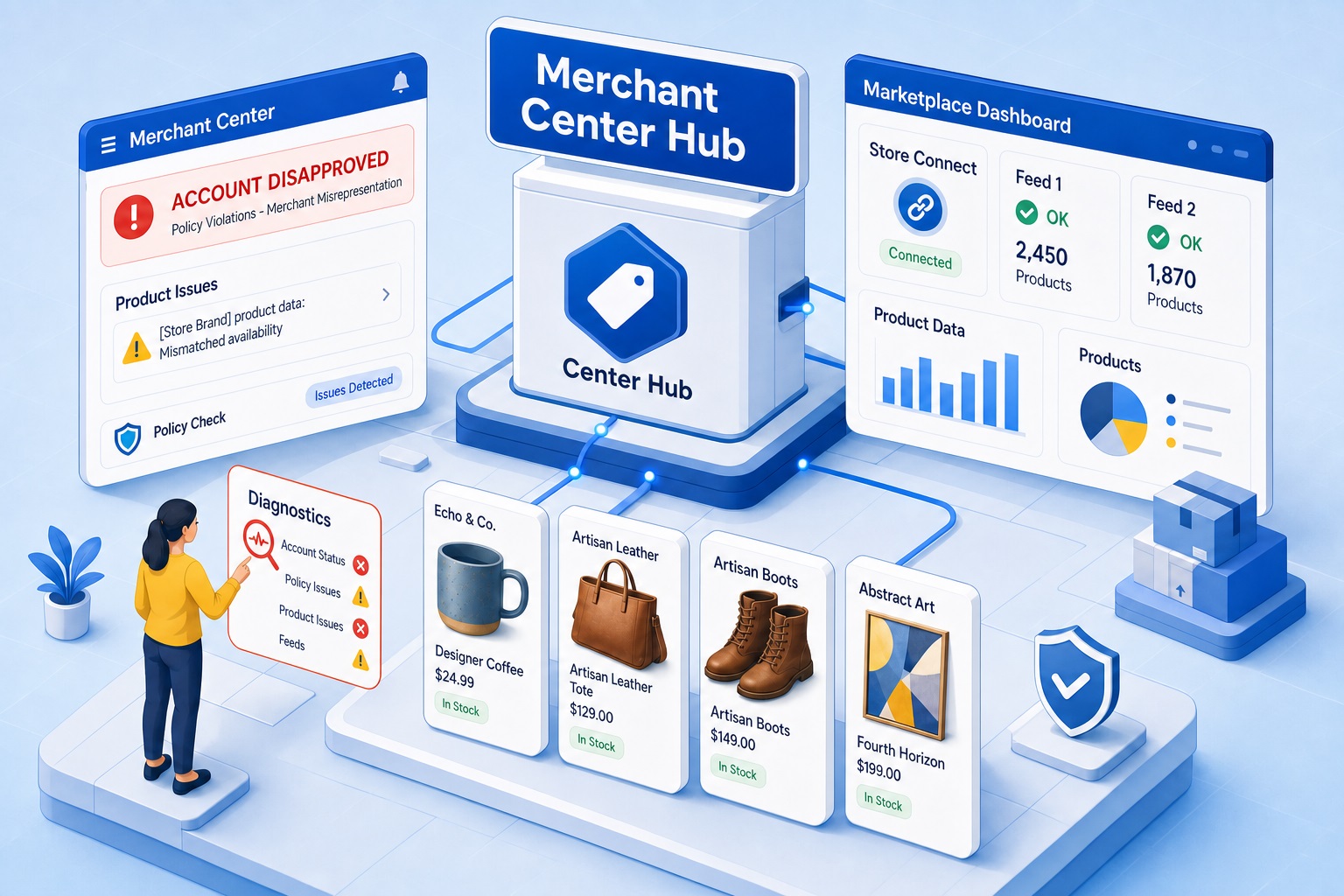
Google Merchant Center compares three things against each other: what’s disclosed in your on-site shipping policy, what’s configured in Merchant Center’s own shipping settings, and what shoppers actually see at checkout. Those Collective items were never accounted for in any of the three when the policy and the GMC settings were originally set up, so as soon as a supplier’s rate shows up at checkout, all three stop matching. That gap is exactly what triggers a Misrepresentation review. It’s rarely intentional. It’s just what happens when a dropship arrangement gets added to an existing shipping policy without anyone updating the fine print, in Merchant Center or on the site itself.
Don’t count on Shopify’s own override
One of the biggest problems is Merchant Center’s shipping settings, not just checkout. Different Collective suppliers each set their own rates and thresholds, and Merchant Center needs a distinct shipping service configured for each one that actually reflects what that supplier charges, separate from whatever service covers your own owned-inventory products. This is so that anyone seeing your products in Merchant Center can see the accurate shipping price and timeframe. That’s on top of the fact that Collective gives you limited control over the imported products themselves: price, title, description, and media all stay locked to what the supplier sets. In most cases the only workable way to get Merchant Center’s shipping settings to match reality is shipping labels, one per supplier’s rate structure, because there’s no other field you’re free to configure per product.
Shopify’s documentation describes a native fix: set up a custom Collective shipping profile and replace the supplier’s rate with your own, so checkout charges your standard rate instead of theirs. On paper, that solves the mismatch without touching your product feed at all.
In practice, we haven’t seen it work for any client yet. And even when it is set up, Shopify’s own documentation confirms you still owe the supplier their original rate behind the scenes, overriding it at checkout just means you’re the one absorbing the difference. For a lot of retailers that makes it not worth setting up even where it does work.
The fix that has actually worked is using a third-party feed tool like DataFeedWatch to manage the Shopify feed. Shopify’s own Google & YouTube channel app doesn’t support this, so a third-party tool is required if that app is the only thing pushing your feed to Merchant Center.
Shopify Collective syncs price, title, description, and media from the supplier, and overwrites anything you change in those fields. Tags and the vendor field aren’t part of that sync, so they stay under your control even after future supplier updates. The label doesn’t carry through on its own just because you created it in Shopify, it has to be configured as a rule inside the feed tool. In practice that means tagging Collective items in Shopify (or relying on the supplier’s name already sitting in the vendor field), then setting up a rule in the feed tool that watches for that tag or vendor and assigns a distinct shipping_label to matching products, mapped to its own shipping service with rates that match what checkout actually charges. That shipping label can then be used to set up a shipping policy in the Merchant Center account that will help display the correct shipping rules to customers for those Shopify Collective products.
Overall, treat the fix as maintenance, not a one-time setup. Supplier rates can change on their end without notice. If nobody checks periodically, the same mismatch can quietly reopen months later and Google could suspend your Merchant Center for Misrepresentation.
The paperwork question
There’s a second, less obvious risk if your account is ever suspended and you need proof to show them how you source what you sell. It’s typically not enough to show that a Collective connection exists. What actually helps in a review is documentation that you’re authorized to sell and advertise that specific brand, a Letter of Authorization, a confirmation from the supplier, anything beyond “the products just show up in my store.” Accounts that source through Shopify Collective without any agreement on file have a harder time convincing a reviewer that a mixed-sourcing model is legitimate rather than something to be suspicious of.
Before you go live
It is possible to advertise Shopify Collective products from your store on Google Merchant Center. However, it’s important to recognize that just because the supplier is available through Shopify Collective and can be added to your store quickly, doesn’t mean it should be trusted or implemented immediately. Like any supplier, you should look into their policies, see how closely they relate to your own and whether or not you will be able to accurately display those products’ shipping prices and timelines in Merchant Center. You can also try reaching out to the supplier to get information on their policies, and some of them may be willing to communicate.
If you’re planning to bring Shopify Collective products into your store and serve through a Google Ads or Google Merchant Center account, check four things first: the written shipping policy discloses the arrangement, you’ve tested whether the shipping profile override actually works for your store or whether you need the feed-side fix instead, the feed separates those products with their own shipping service if it does, and (while it’s optional) if you have some form of brand authorization on hand in case Google asks.