Is Google Maps Advertising Right for Your Business?
Not all businesses need to be on Google Maps. While local businesses like plumbers, CPAs, or any service provider will benefit greatly from being on Maps, e-commerce businesses that ship nationwide may not need to be as much. However, having a Google Business Profile is still useful for collecting and showcasing reviews.
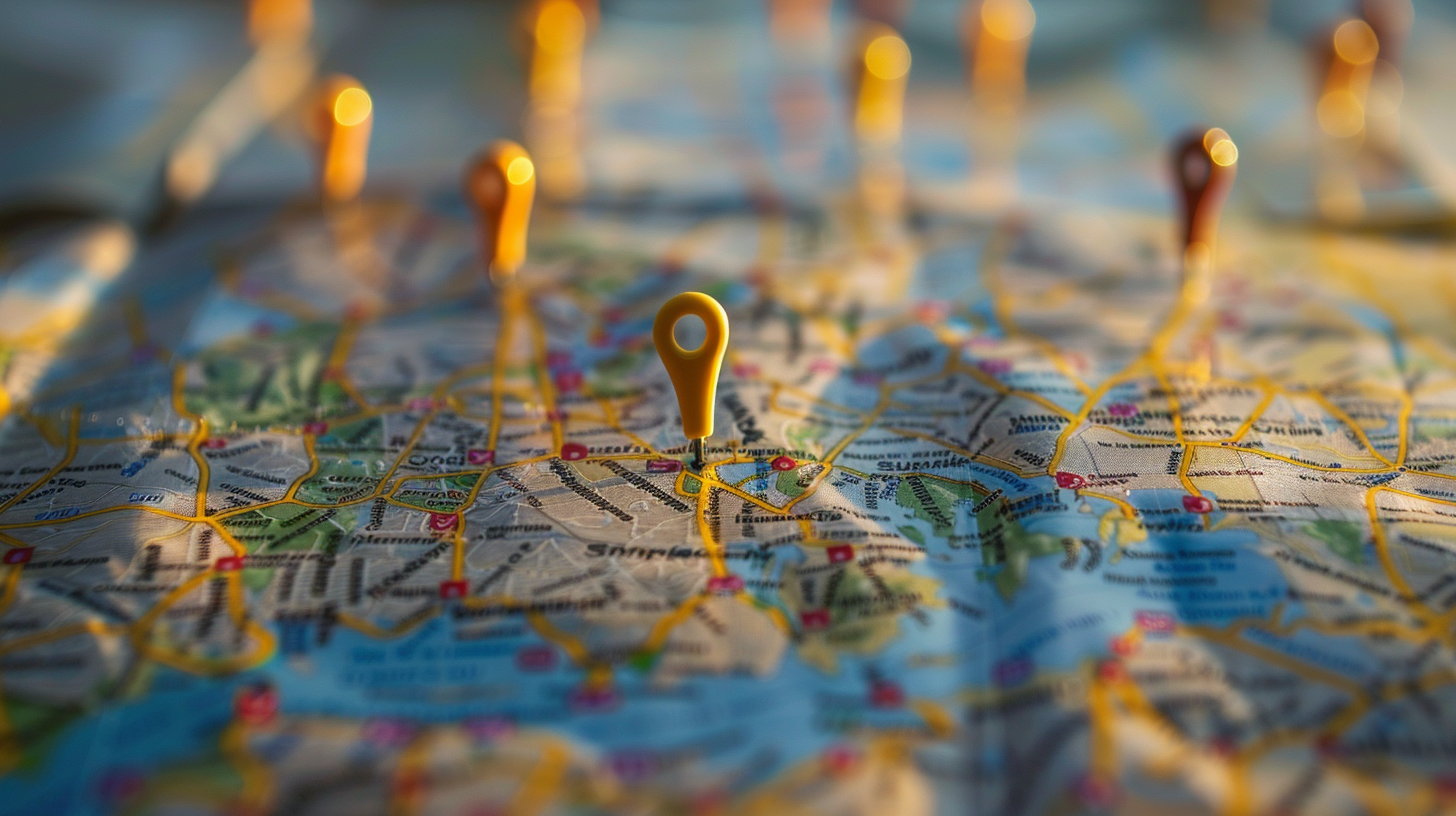
For local businesses being on Google Maps is almost a requirement. The Google Maps app is a key player in local search ads, helping businesses connect with nearby customers through targeted marketing.
For e-commerce businesses, Google Maps may not drive direct sales but having a well-maintained Google Business Profile can still boost your online presence. It gives customers a place to leave reviews which can influence other potential buyers. And having a verified profile can also improve your overall SEO performance.
Advanced Tips for Google Maps Advertising
To really stand out on Google Maps businesses should consider going beyond the basics. Here are some extra tips:
- Leverage Local Guides and Reviews: Engage with local guides who frequently leave reviews on Google Maps. Positive reviews from these guides can boost your profile’s credibility. Consider offering incentives for customers to leave reviews but make sure this complies with Google’s review policies.
- Use Google Posts: Use the Google Posts feature to share updates, offers, events and news directly on your Google Business Profile. These posts will show up on your profile on Maps and search results giving you extra information and engagement opportunities for potential customers.
- Don’t Forget the Q&A: Manage the Q&A section of your Google Business Profile. Answering questions promptly can provide valuable information to potential customers and show your business is responsive and helpful.
- Keep Your Hours & Business Details Up to Date: Keeping hours updated shows Google that you are active and, therefore, trustworthy. It will also prevent customers from making the trip out to your store only to find that it’s closed or closing—which can sometimes spark a negative review (which hurts your rankings).
- Always Use a Local Phone Number: Make sure your phone number is the same area code of your location. This will help your searchers verify that your business is located in that area, and boost your ranking.
- Run In-store Promotions: Use in-store promotions to feature ongoing discounts and special offers within your ads on Google Maps. This will attract customers and drive foot traffic to your physical locations.
- Track and Analyze: Use tools like Google Analytics and Google Search Console to track traffic and engagement from Google Maps. Analyze this data to see how users are interacting with your profile and ads and adjust your strategies accordingly.
- Ad Extensions: Google Ads has various ad extensions like call extensions, location extensions and callout extensions. Experiment with these to provide extra information and boost your ads.
- Google Display Network: Integrate the Google Display Network into your digital marketing strategy to reach beyond immediate search. This can target users who may not be actively searching for specific products and increase visibility across multiple Google properties.
- Mobile Optimise: Make sure your website and ads are mobile-friendly. Many people use Google Maps on their smartphones so a mobile-friendly experience will lead to higher engagement and conversions.
- Local Keywords are Gold: Where it makes sense, add location-based keywords to pages on your site, like your homepage, about & contact, products and services page, and even blog posts. This could be in the title of the pages, headings, body text, image tags, captions, and URLs.
- Embed a Map Directly on Your Site: Another way to rank higher on Maps is to embed a Google map directly on your website. Most businesses do this on the Contact Us page, but you can add it wherever it makes sense.
Wrapping it up
Advertising on Google Maps can boost your local business’s visibility and drive more customers to your doorstep.
Follow the tips from our experts—claim and optimize your Google Business Profile, create effective ad campaigns, and use Local Service Ads and you’ll get the most out of this powerful tool.
Google Maps is not just a navigation tool; it’s a discovery and engagement platform.
Whether you’re a local business looking to attract nearby customers or an e-commerce business looking to boost your online presence Google Maps has features to help you achieve your goals.
If all this seems too much to manage StubGroup can help. Our team will walk you through the process and get your business set up for success!
Looking for more Google Ads tips? Subscribe to our YouTube channel for more free videos and tips.